How do pupils sign in? +
Generate pupil accounts in your teacher area and share the Class Link or QR code. Keep any name-to-username list at school. Pupils use their generated username and six-digit PIN. They do not need an email address or their own subscription.
Can teachers see an individual pupil’s answers? +
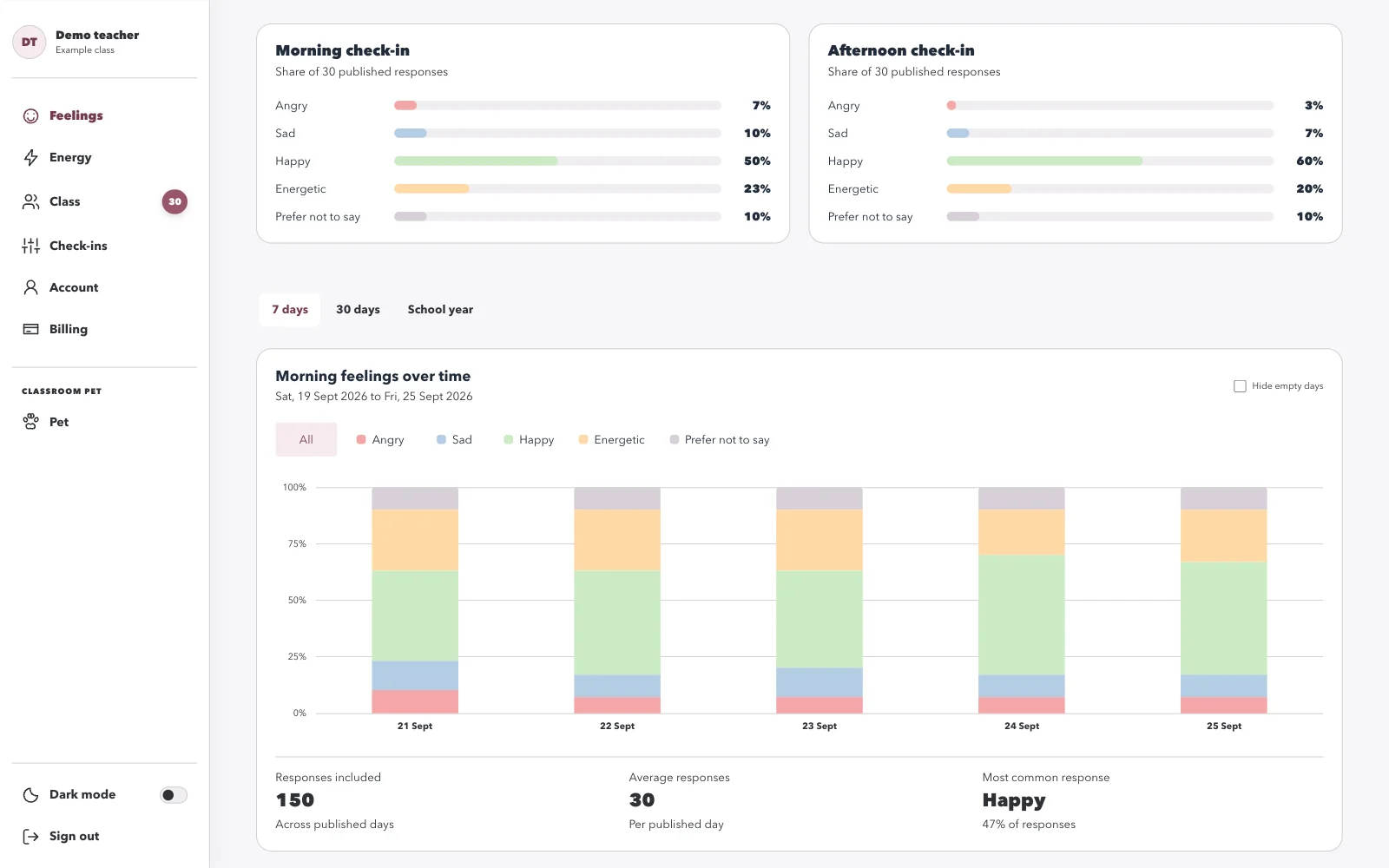
The dashboard does not attach pupil names to answers. It shows class totals after a check-in closes and at least five pupils have responded. An answer category can still contain just one pupil, so classroom knowledge may allow someone to guess an answer. These summaries support class conversations and cannot identify a child who needs help.
Can I fit check-ins around our timetable? +
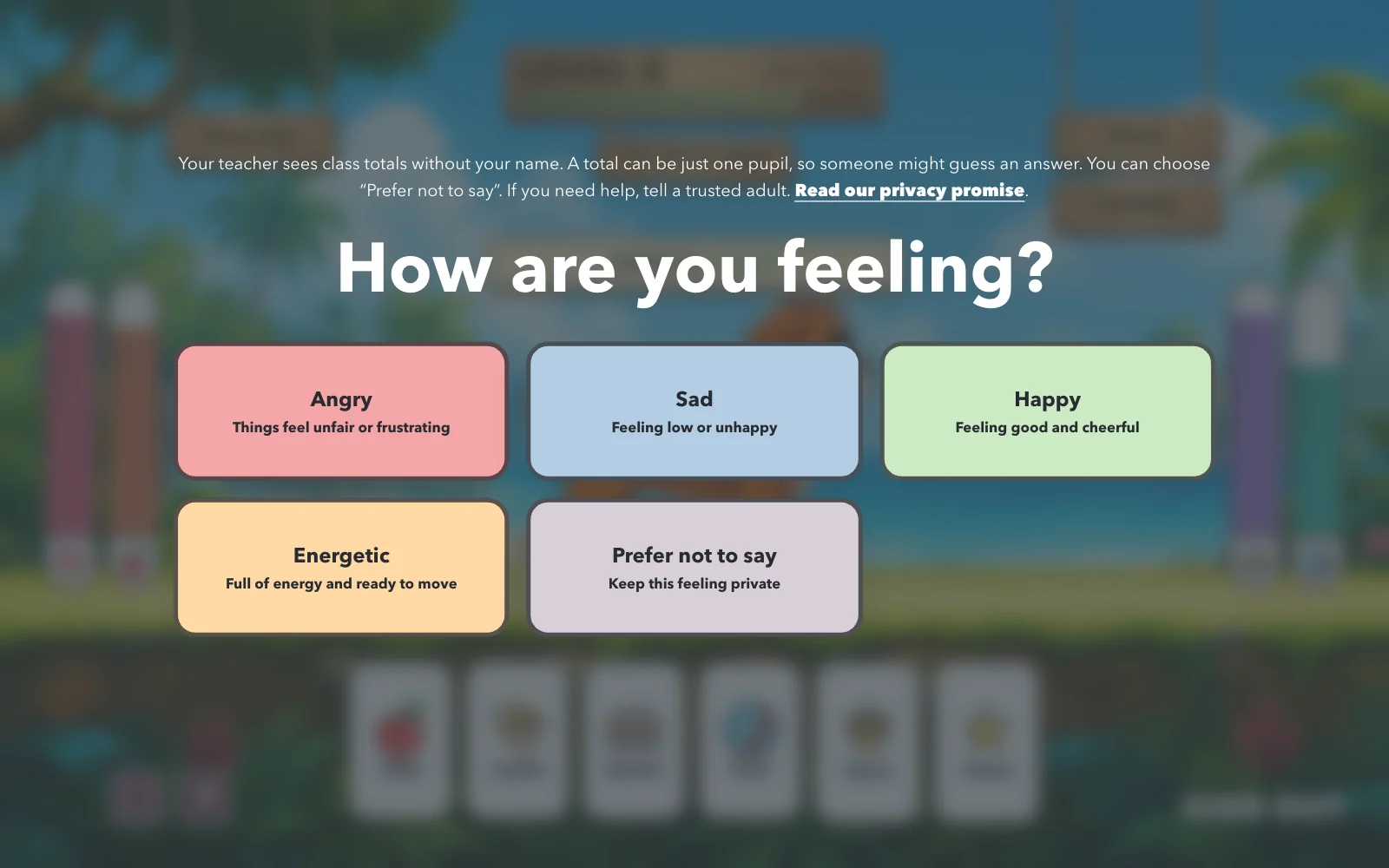
Yes. You can set morning and afternoon check-in windows, choose the feelings available to your class, and enable or disable feelings and energy questions. You also control when pupils can sign in.
Is this for one teacher or a whole school? +
Both. Teacher accounts are designed for one classroom. School accounts add central class management and teacher invitations. Pupil access is included. Visit pricing to compare the plans and see the current Alpha access details.